Home visits that fit your schedule.
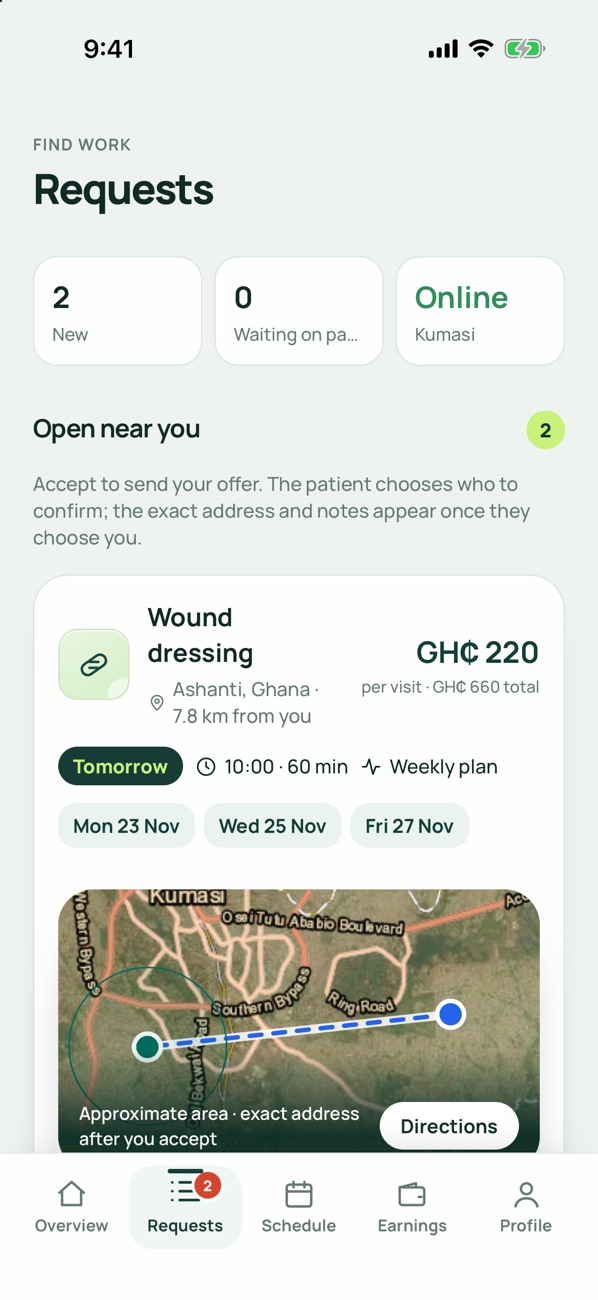
MediStream sends you care requests from patients in your city. You choose which to accept, and get paid in the app.
MediStream sends you care requests from patients in your city. You choose which to accept, and get paid in the app.
Most applications are reviewed within a few working days.
Sign up in the app as a professional and tell us your city and the towns you cover.
Photos of your licence, ID and certificates. Our clinical team checks each one.
Mobile Money or bank. Paystack sends your earnings there.
Turn on availability and accept requests that fit your day.
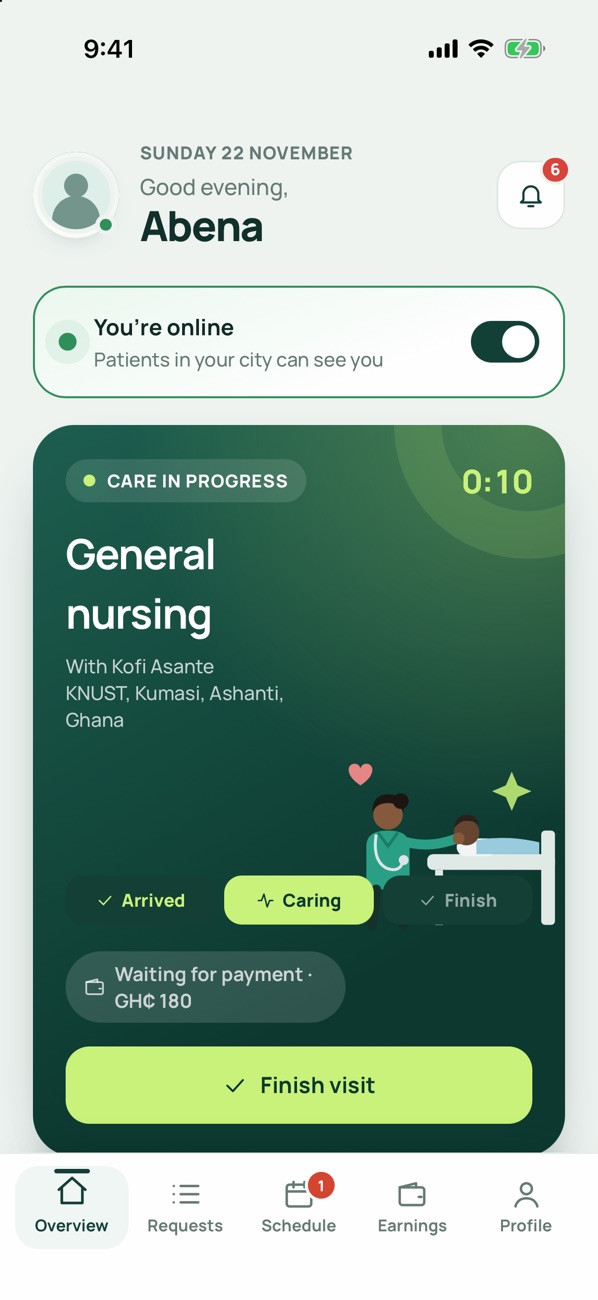
Patients pay in the app after they confirm you’ve arrived. You keep 85% of the visit price; MediStream keeps 15%.
The app asks for the documents your country requires. In Ghana that’s:
Professionals in other countries are asked for their own regulator’s licence, national ID and, where required, a police check.
Yes. You only see requests in your city and the towns you add, and you decide which ones to accept. The patient then chooses between the professionals who accepted.
No. The app stops you accepting a visit that overlaps one you’ve already accepted, so you’re never double-booked.
Tap “I’ve arrived”. The patient confirms it’s you, pays in the app, and then you can start care.
No. Your location is used to show you nearby requests while you’re online, and shared with the patient only during an active visit.